You just got admission in Virtual University. Congratulations. Now everyone keeps mentioning one word. LMS. Your classes are on LMS. Your assignments are on LMS. Your marks are on LMS.
So what exactly is this LMS? And how do you use it without getting lost? This guide covers everything a new VU student needs to know. Read it once and you will handle your first semester with confidence.
What Is VULMS?
VULMS stands for Virtual University Learning Management System. It is the online platform where your whole university life happens.
VU is a distance learning university. There are no daily physical classes. So the LMS becomes your campus. Your lectures, assignments, quizzes, discussions, and announcements all live inside it.
You can open VULMS from your laptop or your phone. As long as you have internet, your university is with you.
How to Log In
After your admission is confirmed, VU gives you a student ID and password. Your student ID looks something like bc123456789. These details come to your registered email.
Go to the VULMS website. Enter your student ID and password. Click login. That is it. You are inside your virtual campus.
Keep your password safe and do not share it with anyone. If you ever lose it, use the password recovery option or contact VU support from your registered email.
A Tour of Your VULMS Dashboard
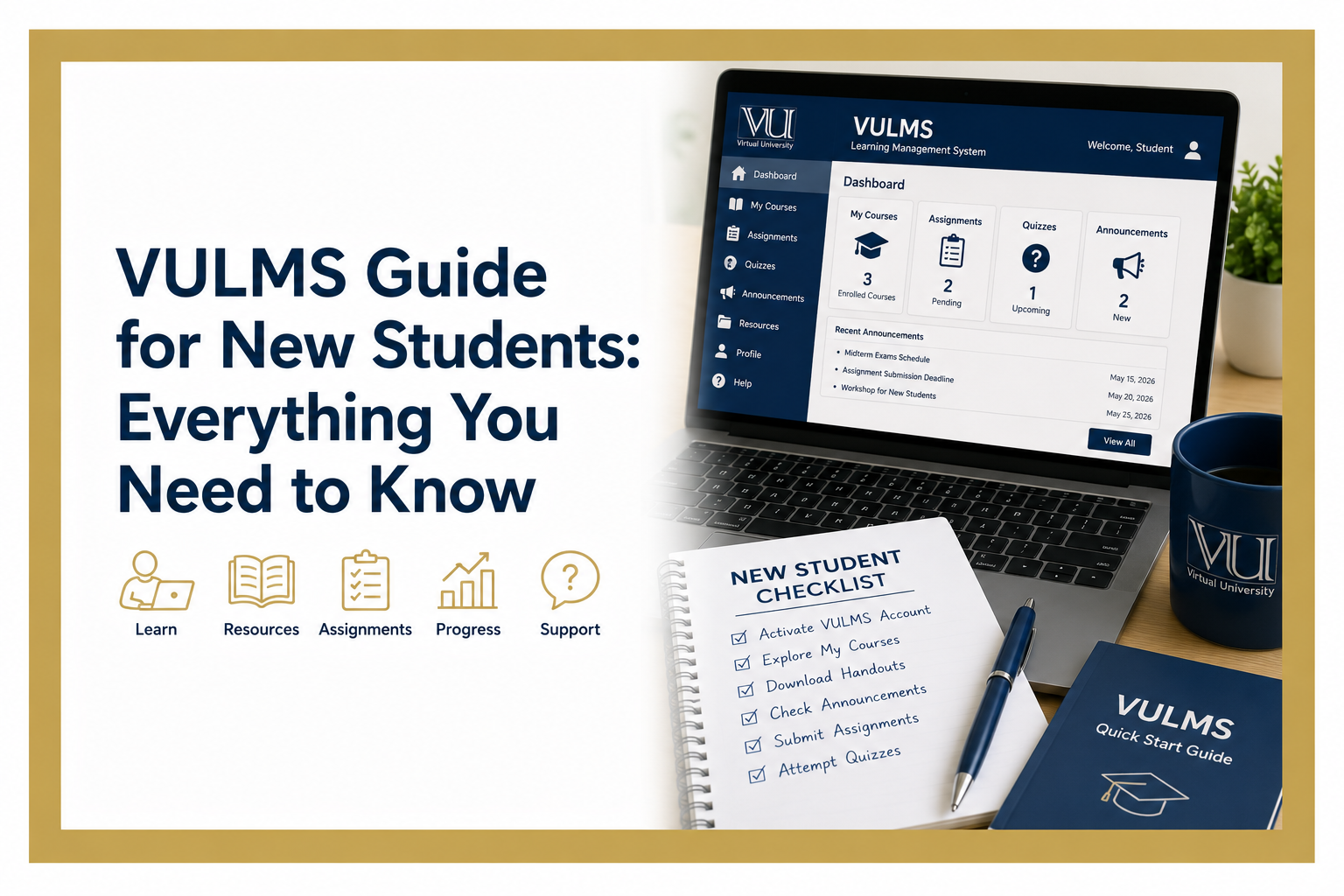
When you log in, you land on your dashboard. It shows all your enrolled courses for the semester. Each course has its own page. Let us go through the important sections one by one.
Course Page and Lessons
Click any course and you enter its page. Here you find the lecture videos arranged lesson by lesson. You watch them at your own pace. There is no fixed class time. This freedom is the best thing about VU. But it is also the biggest trap. More on that later.
Handouts
Every course has a handouts file. It is the written form of your complete course. You can download it from the course page and study anytime, even offline.
Here is a tip most seniors will give you. Handouts are the real exam source at VU. Treat them as your main book. Our full guide on VU handouts explains how to study them the smart way.
Announcements
This section shows updates from your instructors and the university. Assignment openings. Quiz dates. Schedule changes. Important news.
Make it a habit to check announcements every time you log in. Missing one announcement can mean missing a graded activity.
Assignments
Your course assignments appear here. Each assignment has an opening date and a deadline. You download the assignment file, prepare your solution, and upload it back before the due date.
One golden rule. Never leave submission for the last hour. The system gets heavy near deadlines when thousands of students upload together. Submit at least a day early and stay safe.
Quizzes
Quizzes are short MCQ tests during the semester. They open on announced dates and stay open for a limited time. Each quiz has a time limit once you start it.
Prepare the related lessons before starting a quiz. Quiz marks are part of your grade. And these same questions often help you later in midterm preparation.
GDB Section
GDB stands for Graded Discussion Board. It is a graded activity where you post your answer on a given topic within the announced days.
Your GDB reply should be your own writing. Copied answers get zero. If you are new to this, read our full guide on what GDB is in Virtual University to understand how it works.
Grade Book
This section shows your marks for everything. Assignments, quizzes, GDBs, midterm, and final term. Check it after every activity. If any marks look wrong, contact your instructor through the course email in time.
Course Email or MDB
Every course gives you a way to contact your instructor. Use it whenever a topic or an activity confuses you. Instructors reply to student questions. Asking early saves your marks later.
The Weekly Routine That Keeps You Safe
VULMS gives you freedom. No daily classes. No attendance pressure. But this freedom destroys careless students. Lectures pile up. Deadlines pass silently. Then exams arrive and panic begins.
Here is a simple weekly routine that keeps you on track.
Log in at least three or four times a week. Watch the lectures of each course as per the weekly schedule. Read the same lessons from the handouts. Check announcements on every visit. Note every assignment and quiz deadline in your phone calendar the day it is announced.
This routine takes a few hours a week. It keeps you ahead of every deadline and every exam.
Common Mistakes New Students Make on LMS
Learn these now and thank yourself later.
Ignoring the LMS for weeks. This is the number one killer at VU. Lectures pile up beyond recovery.
Missing quiz windows. Quizzes stay open for limited days only. A missed quiz means zero. No retakes.
Submitting assignments at the last minute. Slow uploads and system rush near deadlines can cost you the whole assignment.
Never opening the Grade Book. Some students find out about a zero when the semester ends. Check your marks regularly.
Skipping handouts. Watching lectures alone feels enough. It is not. The exams come from the handouts.
Final Words
VULMS is simple once you understand its sections. Lectures for learning. Handouts for exams. Assignments, quizzes, and GDBs for semester marks. Announcements for staying updated. Grade Book for tracking it all.
Give it a regular routine and your semester will run smooth. Ignore it and problems pile up fast.
Start your journey right. Log in today, explore every section of your courses, and set your deadline calendar. When exams come near, our guide on how to pass the VU exam will help you finish strong. Good luck with your first semester.